
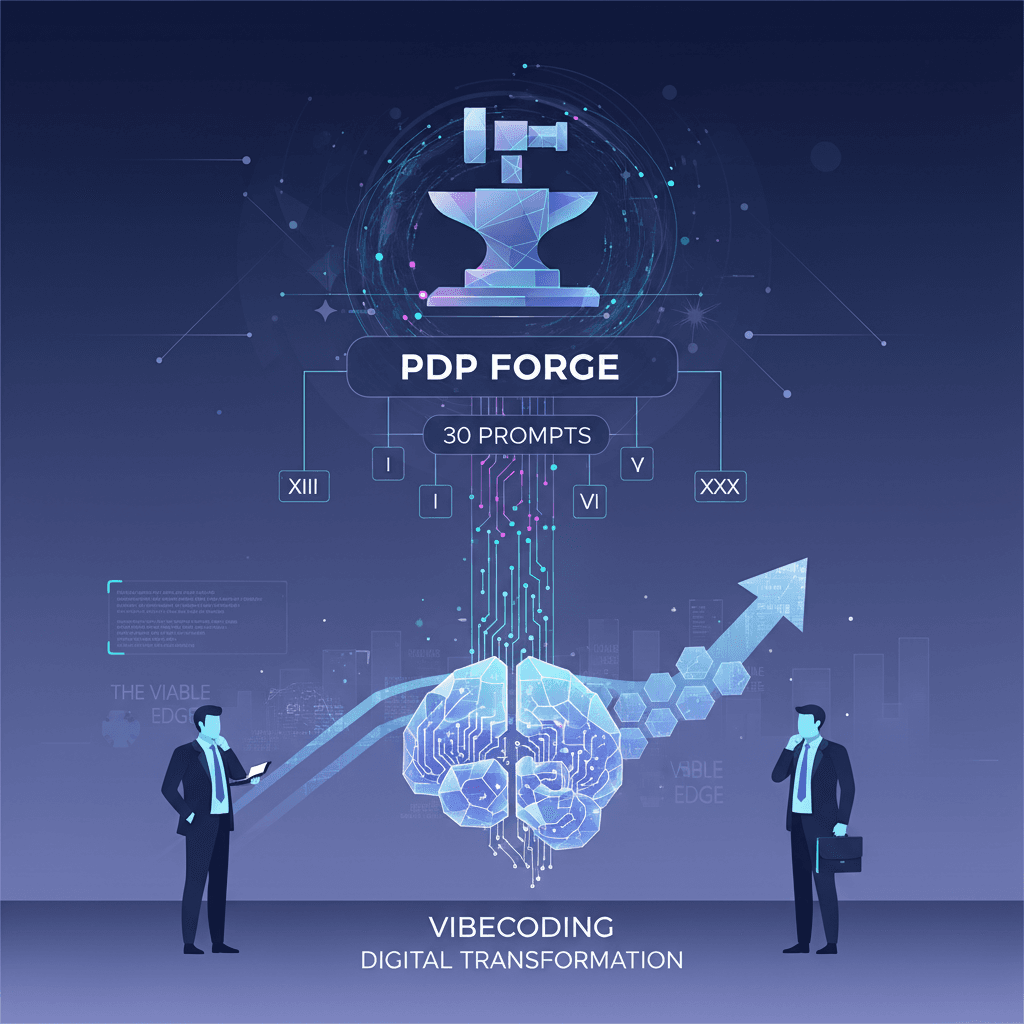
I built a full e-commerce product image app over the holidays using nothing but prompts. No development background. No code written by hand. Just conversations with AI.
PDP Forge turns scrappy iPhone photos into e-commerce-ready product images in minutes: hero shots, lifestyle images, auto-generated alt text, retailer tagging, bulk export. The whole workflow that enterprise teams spend six figures a year managing.
I built it using Google AI Studio to prototype, then moved to Antigravity to turn it into a real app with Supabase for the backend and Vercel for hosting.
Here's exactly how it happened: the key prompts that took this from concept to working product. And if you want the full unedited build log, all 30+ prompts, I'm giving that away at the end.
Prompt 1: The Starting Point
Here's the first prompt I sent:
"A canvas based product image studio designed for generating product images for e-commerce websites. The app allows users to upload a specific photo or image of a product and then use nano banana pro through prompting and selectable customizations that go into the prompt to develop e-commerce product detail page ready images. The app should have the ability to save layouts. For example, if I have a catalog and I want to apply the same treatment to all products in my catalog, say there are five images, a couple of product shots and lifestyle images and I want to apply them equally, I can do that through application of a layout to a product image. I should be able to fix packaging, create a hero shot, adjust colors and lighting and have the app recommend lifestyle treatments that I can click on and would then be generated."
This prompt did a lot of heavy lifting. I described the outcome I wanted, not the technical specs. I included a real use case (applying treatments across a catalog). I named the specific capabilities (fix packaging, hero shot, lifestyle recommendations).
Takeaway: Start with the outcome. Describe what the user does, not how the system works.
Prompt 2: Adding Structure
Once the basic app was working, I needed to organize images into groups:
"The app should have the ability to group photos into collections, and those collections can include details such as the product name, SKU, and variation fields."
Simple. One sentence. The AI added the data structures, the UI, and the logic to manage collections.
Takeaway: Add features incrementally. Don't try to architect everything upfront.
Prompt 3: The Canvas Breakthrough
This was the prompt that changed everything:
"I want to be able to drag, drop, resize, and remove images from the canvas view, and also connect or disconnect the images like nodes to indicate collections, or allow users to organize visually as they're working."
Before this, it was a form-based app. After this, it was a workspace. The infinite canvas with node connections made it feel like a real creative tool.
Takeaway: One prompt can completely transform the UX paradigm. Don't be afraid to make big asks.
Prompt 4: Layouts, the Core Feature
This is where PDP Forge became actually useful:
"The layout feature should be able to generate a series of images, each according to a very specific treatment/prompt repeatedly, so a user can immediately generate a number of images for a product detail page that follows a pre-defined set of instructions."
Layouts let you define a template (hero shot, lifestyle with people, product on white, etc.) and apply it to any product image. One click, multiple outputs, consistent results across your catalog.
Takeaway: The best features solve a repeated pain point. What do users do over and over that could be templated?
Prompt 5: Fixing Confusion
The UI wasn't clear. Instead of designing a solution, I described the problem:
"The right panel UI is a little confusing because the generate button could apply to either the prompt, and/or the descriptors/selections below it, so it's not clear how all of those options work or don't work together. This should be improved."
The AI proposed a top-down flow: Prompt → Style Modifiers → Output Format → Generate. It replaced ambiguous "Quick Actions" with "Presets" that visibly populate the form fields.
Takeaway: You don't need to know the answer. Articulate the problem clearly and let the AI propose solutions.
Prompt 6: Image Editing
"Integrate basic image editing tools (crop, brightness, contrast) accessible when an image is selected on the canvas, allowing for quick adjustments."
One prompt. Full image editor modal with sliders and crop functionality.
Prompt 7: Alt Text
"We have to add a feature to add alt-text for individual images, or to apply that to a collection and each image in the collection gets alt-text."
This is the kind of feature that usually gets skipped and becomes an SEO problem later. Now it's automatic.
Prompt 8: Export Options
"Enhance the ImageEditorModal by adding export options. Allow users to choose the output format (e.g., PNG, JPEG) and potentially adjust JPEG quality. Users may also choose export collections, which would download a zip file of all of the images and a text file of the images' alt-text."
Zip export with alt text metadata included. One prompt.
Prompt 9: Background Removal
"Add a feature to remove the background from selected images on the canvas. Use a service or library that can perform background removal."
The AI integrated @imgly/background-removal, a library that runs entirely in the browser using WebAssembly.
Prompt 10: Debugging
Things break. Here's what that looks like:
"Fix the following errors: Uncaught SyntaxError: The requested module 'file-saver' does not provide an export named 'saveAs'"
I copied the error message directly into the prompt. The AI identified the issue (default export vs named export) and fixed it.
Later:
"Fix the following errors: Uncaught SyntaxError: The requested module '@imgly/background-removal' does not provide an export named 'removeBackground'"
Same pattern. Show the error, get the fix.
Takeaway: Copy error messages directly into your prompts. Be specific. The AI can fix its own mistakes.
Prompt 11: Client/Brand/Product Hierarchy
This is where the app became enterprise-ready:
"The app needs to be equipped to manage assets for clients, brands, and products. Clients should be completely separate from each other. A client may have one or more brands. Within each brand, there may be one or more products."
The AI refactored the entire data structure: introduced Client and Brand interfaces, renamed Collection to Product, added strict separation, and updated every component that touched this data.
Takeaway: Think like a product manager. Who uses this? How do they organize their work? Build for real workflows.
Prompt 12: Canvas Tools
"Refine the canvas zoom and pan functionality to be more intuitive and responsive, possibly using keyboard shortcuts. Also add auto-grid and mosaic buttons (the mosaic button can randomly resize and space images collectively for creative inspiration)."
Keyboard shortcuts (+/- for zoom, 0 to reset), shift+wheel for horizontal scroll, auto-grid layout, and a masonry-style mosaic for creative exploration.
Prompt 13: Layout Scoping
"We need a method to assign layouts or associate layouts to specific brands and products, so perhaps the custom layouts can live under the client layer, but be transferrable/copyable to other clients."
Now layouts can be scoped to a specific client, brand, or product, or kept global. And they can be duplicated across clients.
Prompt 14: Credits System
"Can we add a credits tracking system for users to track their assigned number of credits used in generations?"
This is where the app becomes a business. Usage limits, monetization hooks, credit balance display.
Takeaway: Think about your business model early. It affects architecture.
Prompt 15: Undo/Redo
"Implement undo/redo functionality for canvas actions (item creation, deletion, movement, resizing, grouping, ungrouping, connection creation/deletion). Store history and provide buttons or shortcuts to revert or reapply changes."
History management, Ctrl+Z / Ctrl+Y support, state snapshots. Essential for any creative tool.
What I Learned
VibeCoding is iteration. Each prompt builds on the last. You don't need to be a developer; you need to be a clear communicator.
The best prompts:
- Describe outcomes, not implementations
- Include real use cases
- Add features incrementally
- Articulate problems clearly (even without solutions)
- Copy error messages directly when debugging
The whole process took about two weeks of evenings and weekends. What enterprise teams spend six figures on, I built with prompts and persistence.
Work With Me
If this kind of work interests you (VibeCoding, marketing automation, figuring out where AI fits in your business), I work with companies and individuals on exactly this.